


Panasonic Comfort Cloud App
Take control of your comfort: Manage your Panasonic heat pumps anytime, anywhere.
A powerful and intuitive smart solution designed to help you manage and monitor your Panasonic heat pumps from anywhere, 24/7.
The app offers energy monitoring, helping you reduce operational costs even further.
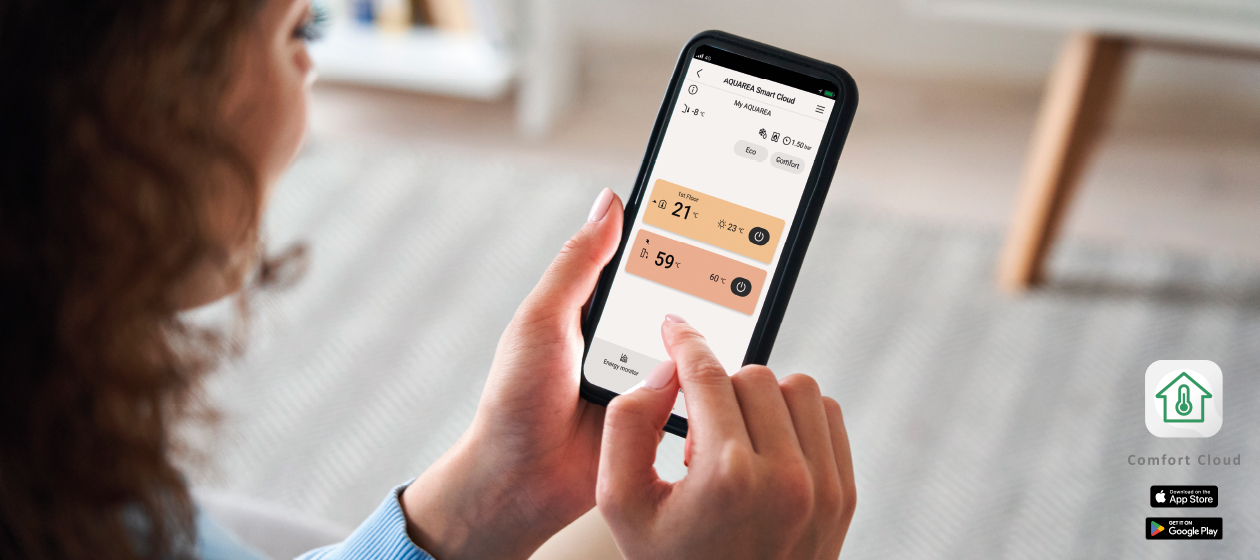
The Panasonic Comfort Cloud App enables you to conveniently manage and monitor the Aquarea range of heating, cooling and hot water functions from just one mobile device. Also, energy monitoring is possible allowing opportunity to learn how to reduce the operating cost even more.
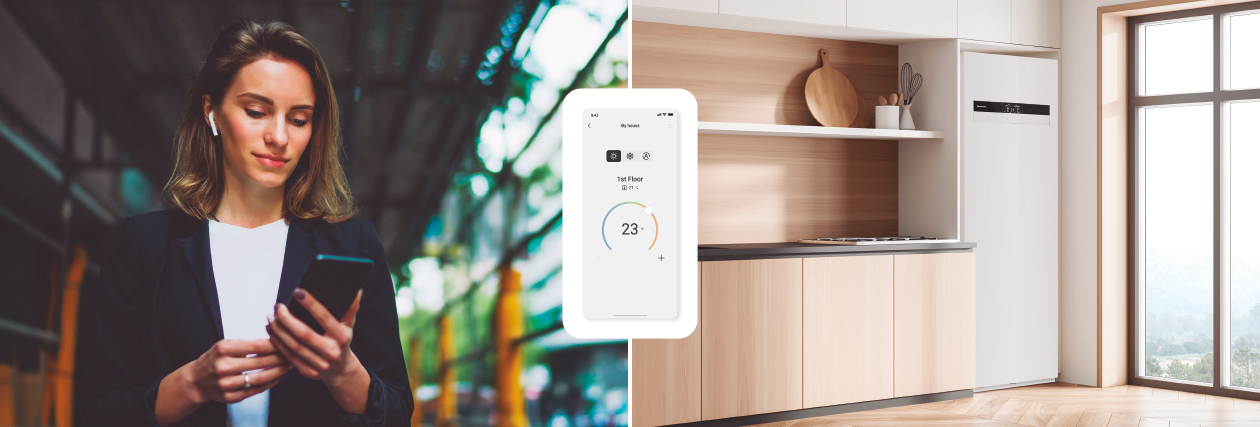
What's Panasonic Comfort Cloud App for Aquarea?
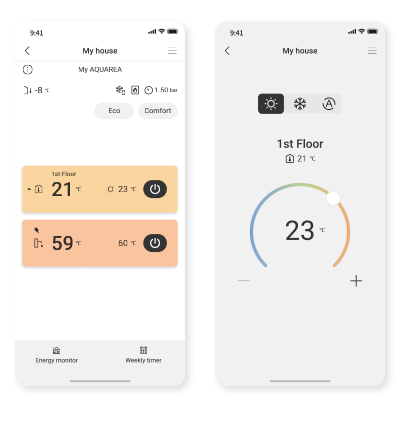
Visualisation and control.
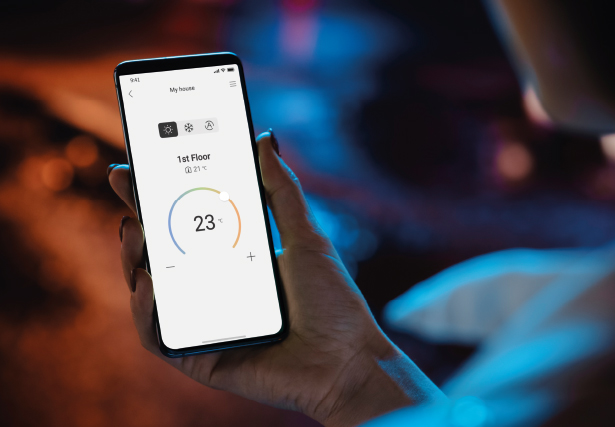
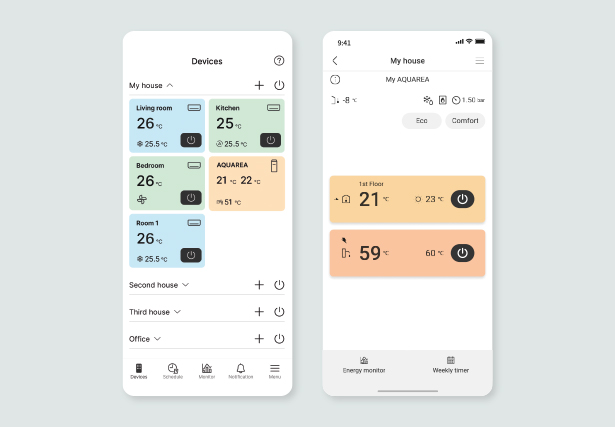
With the intuitive Panasonic Comfort Cloud App, you can manage your home’s comfort anytime, anywhere. Effortlessly adjust heating, cooling, and hot water, with outdoor temperature data to help you maintain the ideal indoor climate.
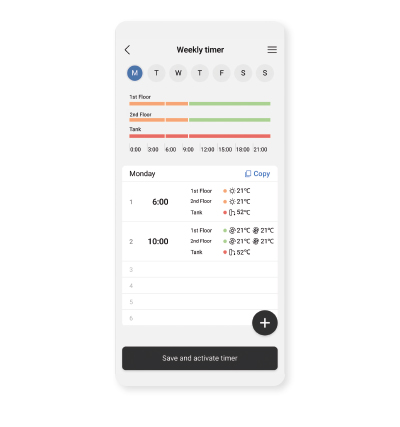
Smart scheduling.
Maximise comfort and energy savings by scheduling your Aquarea Heat Pump to match your daily routine. Create, copy, and repeat schedules effortlessly —ensuring your home is always at the right temperature when you need it.
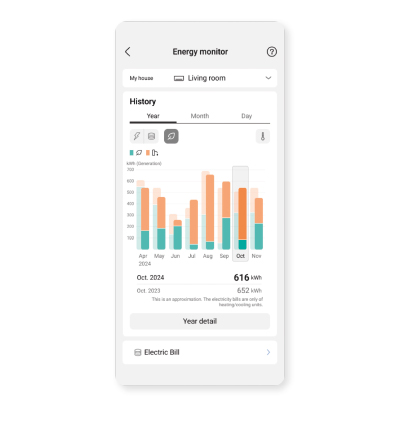
Energy insights.
Stay informed and in control of your energy usage. The app provides detailed statistics, allowing you to monitor consumption by space heating, cooling, and domestic hot water.
Do you own a Panasonic air conditioner?
You can also manage it from the Panasonic Comfort Cloud App.
What do you need to connect your Aquarea Heat Pump to the Panasonic Comfort Cloud App?
1
Panasonic Aquarea Heat Pump (H series or later).
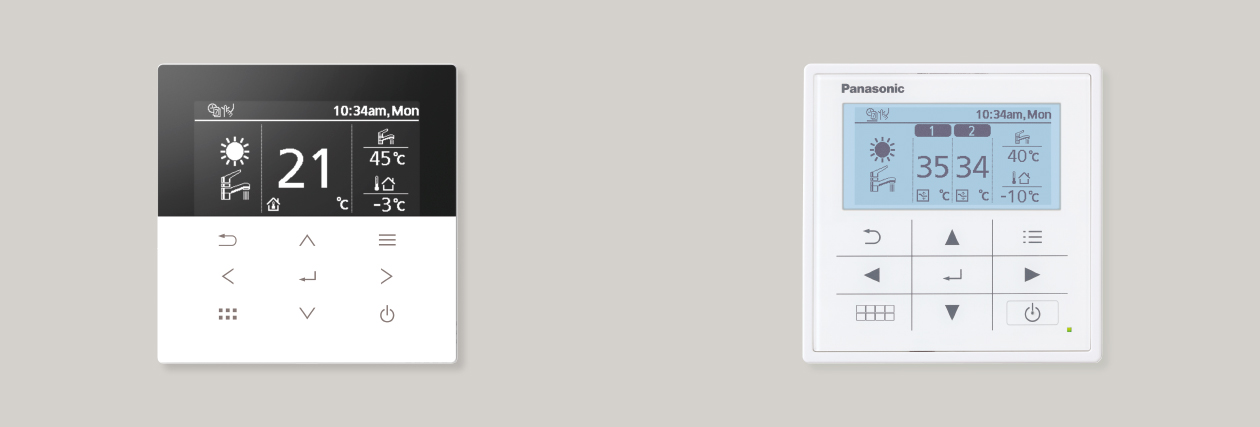
Not sure which series you have? Simply check your remote controller. If it looks like one of the two shown below, your unit is compatible with Panasonic Comfort Cloud App.
Do you own a Panasonic air conditioner?
You can also manage it from the Panasonic Comfort Cloud App.
2
Connected Cloud adapter.
CZ-TAW1 / CZ-TAW1B / CZ-TAW1C / CZ-RTW2
* Please note: If your Aquarea is part of a BMS project, the adapter port may already be in use.

If you have an Aquarea indoor unit:
The adapter may be located near or inside the indoor unit.

If you only have an Aquarea outdoor unit:
The adapter must be installed inside the property.
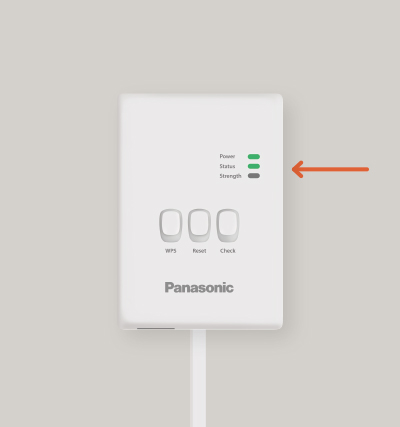
Check the adapter: if any LED is ON (not blinking), you’re ready to proceed.
If you don’t have a Cloud adapter or it isn’t connected, please contact your trusted installer.
Not sure who installed your heat pump? We can help you find a certified installer.
3
Home internet connection (Wi-Fi or wired LAN).
4
Smartphone with internet access.

Get started
1
Download the Panasonic Comfort Cloud App.
If you haven’t already, download the app from the Google Play Store or Apple App Store.
2
Open the Panasonic Comfort Cloud App.
Sign in using your Apple ID, Google Account, or Panasonic ID.
3
Register your Cloud Adapter.
In the app, go to “Add new device > Air to water heat pump”. Then follow the step-by-step instructions.Alternatively, you can refer to this setup guide.
Guide available in English only and hosted on the Panasonic Global website.
4
Take control of your comfort.
Use the Panasonic Comfort Cloud App to manage your Aquarea Heat Pump easily and efficiently.
Good to know
What is Eco Mode?
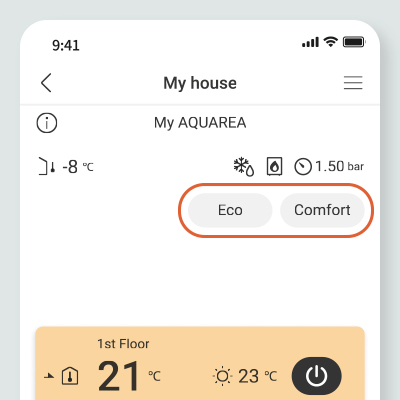
Eco Mode helps reduce energy consumption by automatically adjusting the preset room temperatures. These adjustments can follow the default energy-saving values provided by the app, or you can customise them to suit your preferences. It’s ideal for saving energy while maintaining a comfortable indoor environment.
What is Comfort Mode?
Comfort Mode prioritises a more pleasant indoor climate by automatically increasing the preset room temperatures in each zone. Like Eco Mode, it can use the app’s default comfort settings or your own customised values.
* Eco Mode and Comfort Mode can only be activated via the Panasonic Comfort Cloud App.
